| |
WISL eREP provides for the generation of
reports as files that may be electronically transferred to the recipient
anywhere through e-mail or alternate mechanism and viewed with the
desktop facility of choice as text, PDF or HTML documents.
The facility takes advantage of the
existing structure of WISLreport specification which provides for the
collection of "print mode" for each report that is generated. If the
printer has been specified as "erep" and if the user specifies "P" to
the print mode prompt then file name is prompted and the generated
report will be available to the WISL eREP interactive routine.
WISL utilizes its own "Printer Control" utility to specify the
printer for the UniVerse spooler. If the "erep" printer can be specified
for reports of non-WISL information systems applications then the file
handling and display preparation facilities can also be utilized with
those print files.
Almost any desktop facility can be
utilized to display or edit the report results. Special formatting is
available if the file had been saved as HTML and a browser is utilized
for display. Other desktop facilities such as word processors may we
used if desired.
It is important to have data arranged in
reports to address specific operational and analytical needs. But does
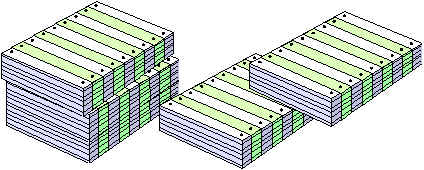
it have to be on paper? Hard copy takes up lots of space, is cumbersome
to handle and often makes it difficult to access specific items of data.
There may also be significant delays in receiving printed reports and
they may be dated before they are received. There can also be
significant costs for the paper and for shipping and handling.
The facilities of WISL eREP provide for
generation of electronic files where paper is currently printed and
makes them available to the recipient in a form to conveniently process
on a desktop utility in either text, PDF or HTML format. The user may print
only those portions of the documents where hard copy is necessary and
may reformat the results in a manner more convenient for specific needs.
|